
A property diagnostic software is the technical foundation on which every report produced by a diagnostician relies. It ensures regulatory calculations (3CL method for the DPE, normative grids for asbestos or lead), generates compliant documents, and transmits data to official observatories. Choosing this tool amounts to defining the reliability of the entire activity.
Regulatory compliance of the diagnostic software: beyond just the DPE
Most comparisons focus on the DPE module because it is the most common diagnostic. The risk is neglecting a structuring point: only certain software appears on the official lists for regulatory energy audits.
A diagnostician looking to expand their activity into energy auditing (mandatory for the sale of energy-inefficient properties) may find themselves blocked if their software does not cover this procedure. Changing software mid-course involves migrating files, retraining data entry habits, and sometimes losing client history.
Before comparing prices, it is essential to check the list of procedures covered by the publisher and their presence on the official references published by the administration. A property diagnostic software for diagnosticians that covers both the DPE, asbestos before work, and energy auditing offers a more sustainable base than a solution focused on a single module.
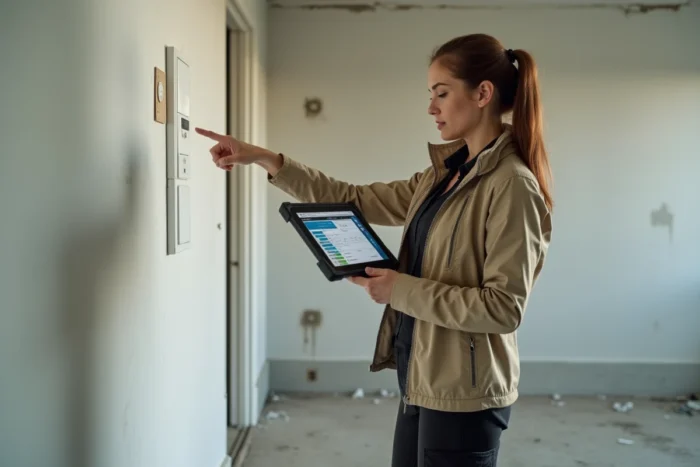
Publisher’s responsiveness to regulatory changes
The regulatory texts governing property diagnostics change regularly. New calculation methods for the DPE, modifications to thresholds for energy labels, adjustments to report templates: each evolution must be reflected in the software before the old formats become non-compliant.
The publisher’s update timeline after a reform is a decisive criterion. Software updated within a few days allows for the continued production of valid reports without interruption. A publisher that takes several weeks exposes the diagnostician to rejections by the DPE observatory or disputes from clients.
To evaluate this criterion, the most reliable method is to consult feedback from other diagnosticians: professional forums, specialized groups, update history published by the publisher. A publisher transparent about their update schedule inspires more confidence than a generic commercial pitch.
Installed solution or cloud software for property diagnosticians
The market is divided between two architectures. Locally installed software operates on a dedicated device (PC or Windows tablet). SaaS solutions operate via a browser, without installation. Recently, a fully online accessible 3CL calculation engine has been among the validated software, making the cloud option genuinely viable for the DPE.
Advantages and limitations of each approach
- Installed software generally offers superior interface responsiveness and works without an internet connection, an advantage on some sites where the network is unstable.
- Cloud software allows work from any device, simplifies automatic backups, and reduces the risk of data loss in case of hardware failure.
- Data storage security (reports, photos, client documents) differs between the two models: in the cloud, the publisher manages hosting and backups; locally, the diagnostician is responsible.
The choice depends on the daily working mode. A diagnostician who conducts field visits with a tablet will often prefer a smooth mobile application, while an office with multiple operators may prefer a shared cloud suite.
Field reliability: what makes the difference on a daily basis
Comparisons often list the available modules, but real productivity hinges on operational details that only usage reveals.
The fluidity of the data entry process in the field affects the time spent per diagnosis. A poorly organized form, nested menus, or long loading times between each screen can extend each intervention by several minutes. Multiplied by several daily diagnostics, these slowdowns impact the profitability of the office.
Verification points before committing
- Test the field application in real conditions (not just the online demo) to assess data entry speed and stability on a tablet.
- Check the quality of the generated report templates: layout, readability for the end client, compliance with mandatory mentions.
- Ensure that the software integrates with existing management tools (CRM, billing), otherwise double entry becomes inevitable.
- Evaluate the technical support: availability, response time, expertise on specific regulatory cases.
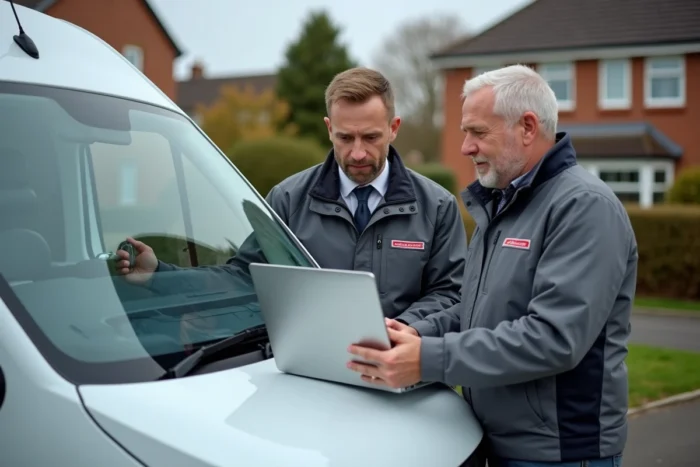
Several offices report that the real difference between two diagnostic software solutions is not found in the product sheet, but in the consistency of positive feedback on diagnostician forums. A publisher whose users report few bugs and receive quick responses from technical support offers a concrete long-term advantage.
The choice of property diagnostic software commits for several years. Anticipating regulatory changes and testing field reliability before signing remains the best protection against a costly solution change during active operations.